How to create a file structure for
UX/UI Design
This blueprint provides a clear starting point for your UX/UI Design project. A well-organized file structure is key to an efficient workflow.
This structure is designed for organizing UX/UI design projects, keeping assets and documentation separate.
Use this Blueprint with File Architect
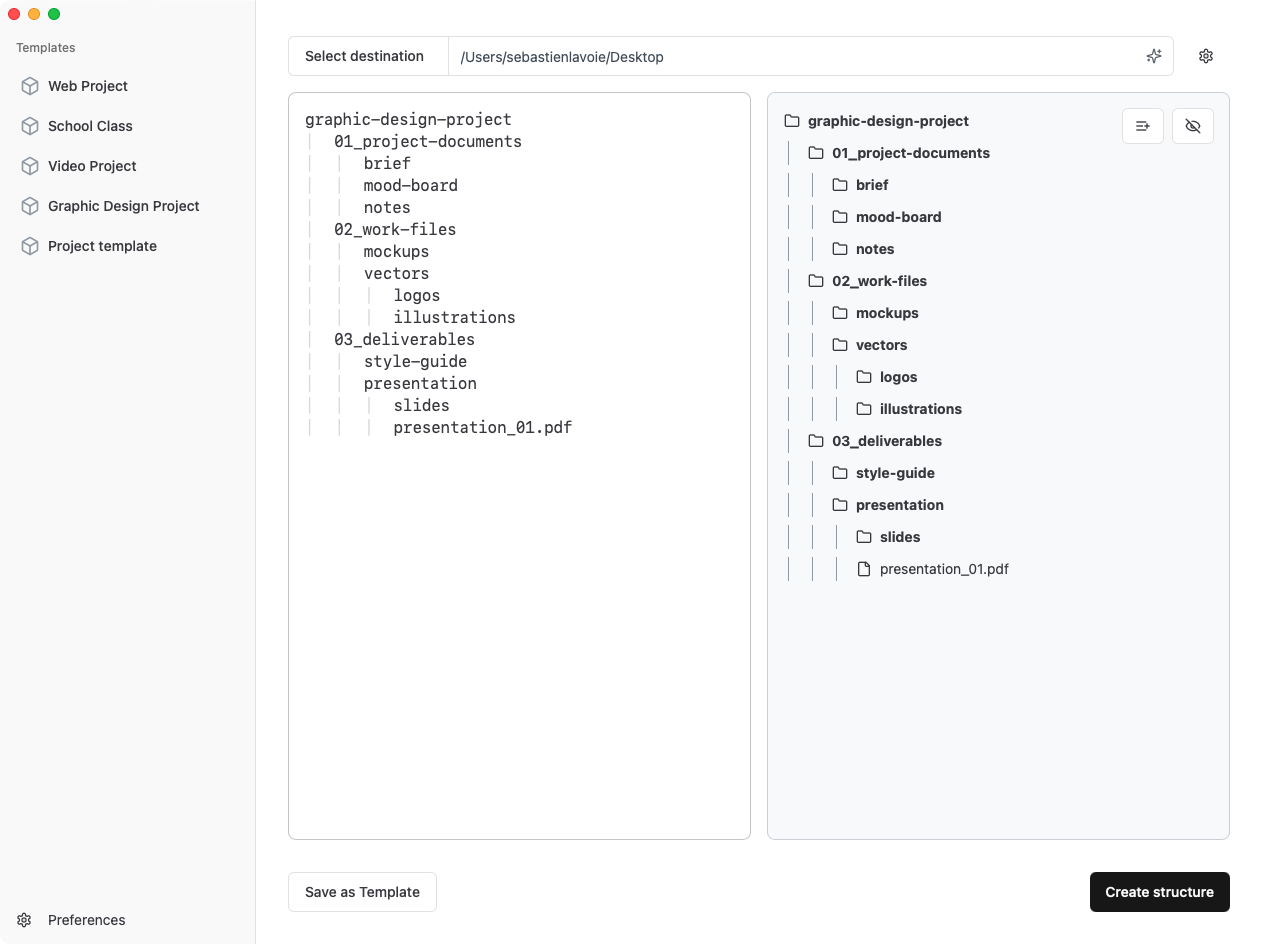
Copy the blueprint below and paste it into File Architect to instantly generate this structure on your computer.
Or, use the "Open in App" button for direct import.
-
 uxui-design
-
project_name
-
docs
-
user_research
-
wireframes
-
prototypes
-
specs
-
assets
-
images
-
icons
-
fonts
-
components
-
styleguide
-
 README.md
uxui-design
	project_name
		docs
			user_research
			wireframes
			prototypes
			specs
		assets
			images
			icons
			fonts
		components
		styleguide
		README.md
Create this file structure directly on your computer with File Architect
File Architect helps you create complex file and folder structures from plain text.
Skip the repetitive work and get to work faster with File Architect.
Frequently Asked Questions
What is a UX/UI Design file structure template?
This structure is designed for organizing UX/UI design projects, keeping assets and documentation separate.
How do I use this template with File Architect?
Copy the file structure template from this page, then paste it into File Architect. The app will instantly create all the folders and files on your computer, saving you time and ensuring consistency.
Can I customize this template?
Absolutely! After File Architect creates the structure, you can modify, add, or remove any folders and files to match your specific project needs. The template is a starting point that you can adapt.
Why use a Design & Creative file structure?
A well-organized file structure is essential for Design & Creative projects. It helps you find files quickly, collaborate more effectively, and maintain consistency across projects.
Is this template suitable for UX projects?
Yes, this template is specifically designed for UX projects and includes all the essential folders and files you'll need to get started.
Do I need File Architect to use this template?
While you can manually create the folders and files, File Architect makes it much faster and easier. Simply paste the template structure, and the app creates everything instantly.